
When you send an email, your message travels through a series of servers before reaching its destination. The Simple Mail Transfer Protocol (SMTP) is the technology responsible for transmitting emails from your client to mail servers. SMTP authentication errors occur when your email client cannot verify your credentials with the email server, which prevents your messages from being sent.
These errors are important to understand for anyone who depends on email for communication in personal or professional settings. SMTP authentication errors can appear in different forms, typically displaying messages that indicate login or authentication failures. You may see repeated prompts requesting your username and password, or you may receive error codes that are difficult to interpret.
Identifying the specific nature of these errors is the first step in resolving them. By understanding what causes these issues, you can take the necessary steps to restore your email functionality and maintain consistent communication.
Key Takeaways
- SMTP authentication errors often stem from incorrect login credentials or server settings.
- Verifying and resetting your email password can resolve many authentication issues.
- Enabling two-factor authentication enhances security but may require app-specific passwords.
- Checking for account lockouts or contacting your email provider can help address access problems.
- Proper configuration and regular updates prevent future SMTP authentication errors.
Common Causes of SMTP Authentication Errors
Several factors can lead to SMTP authentication errors, and identifying these causes is crucial for effective troubleshooting. One of the most common reasons is incorrect login credentials. If you have recently changed your password or are using an outdated username, the server will reject your authentication attempt.
This situation is particularly prevalent if you manage multiple email accounts and inadvertently mix up your credentials. Another frequent cause of SMTP authentication errors is misconfigured email settings. Each email service provider has specific requirements for server settings, including port numbers and encryption methods.
If these settings are not correctly configured in your email client, it can lead to authentication failures. Additionally, network issues or firewall settings may block the connection to the SMTP server, further complicating the situation. Understanding these common causes will help you pinpoint the issue more effectively.
Checking Username and Password Accuracy
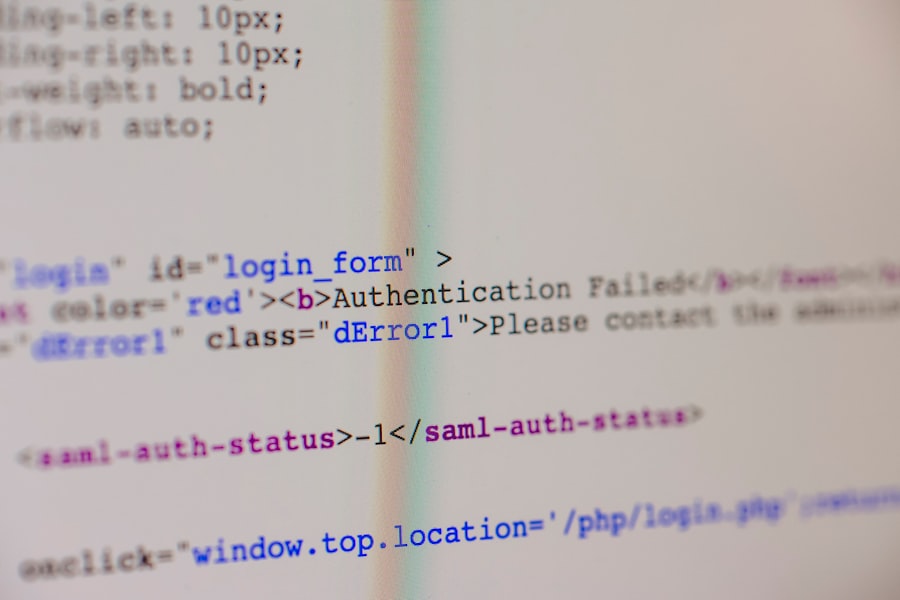
One of the first steps you should take when encountering an SMTP authentication error is to verify your username and password. It may seem simple, but many users overlook this crucial step. Ensure that you are entering the correct username associated with your email account, as some providers require the full email address while others may only need the part before the “@” symbol.
Double-check for any typos or accidental spaces that could lead to authentication failure. In addition to verifying your username, pay close attention to your password. Passwords are case-sensitive, so ensure that you are using the correct capitalization.
If you have recently changed your password, make sure that you have updated it in your email client as well. Taking the time to confirm these details can save you from unnecessary frustration and help you regain access to your email account quickly.
Resetting or Changing Email Password
If you suspect that your password may be the root cause of the SMTP authentication error, consider resetting or changing it. Most email service providers offer a straightforward process for resetting passwords, typically involving a verification step to confirm your identity. This process usually requires access to a recovery email or phone number associated with your account.
Once you’ve successfully reset your password, remember to update it in your email client settings as well. This step is crucial; otherwise, you may continue to face authentication errors even after changing your password. By taking control of your password management, you can enhance both security and accessibility for your email account.
Verifying Email Server Settings
| Metric | Description | Common Causes | Recommended Actions |
|---|---|---|---|
| Authentication Failure Rate | Percentage of SMTP login attempts failing due to incorrect username or password | Typographical errors, expired passwords, account lockout | Verify credentials, reset password, check account status |
| Number of Failed Login Attempts | Total count of unsuccessful SMTP authentication attempts | Incorrect credentials, brute force attacks, misconfigured email clients | Monitor logs, implement account lockout policies, update client settings |
| Time to Resolution | Average time taken to resolve SMTP authentication errors | Complexity of issue, user response time, support availability | Provide clear troubleshooting guides, enable self-service password reset |
| Percentage of Users Affected | Proportion of users experiencing SMTP authentication errors | Widespread password changes, server misconfiguration | Communicate changes, verify server settings, update documentation |
| Common Error Messages | Typical SMTP error responses related to authentication | 535 5.7.8 Authentication credentials invalid, 534 5.7.14 Authentication mechanism failed | Check username/password, verify authentication method, enable secure connection |
After confirming your username and password, the next logical step is to verify your email server settings. Each email provider has specific configurations that must be adhered to for successful communication with their servers. This includes details such as the incoming and outgoing server addresses, port numbers, and encryption methods (like SSL or TLS).
If any of these settings are incorrect, it can lead to SMTP authentication errors. To find the correct server settings for your email provider, visit their official website or consult their support documentation. Once you have this information, navigate to your email client’s settings and ensure that everything matches up correctly.
Taking this extra step can often resolve issues that stem from misconfigured settings and restore your ability to send emails without interruption.
Using Two-Factor Authentication
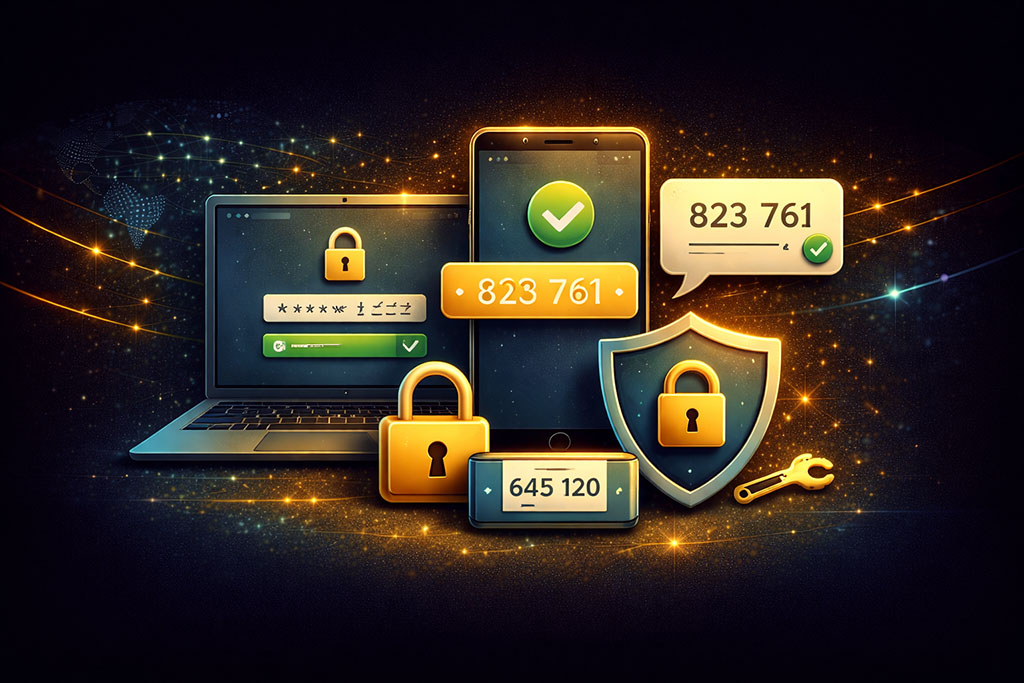
In today’s digital landscape, security is paramount, and many email providers offer two-factor authentication (2FA) as an added layer of protection. While 2FA enhances security, it can also lead to SMTP authentication errors if not set up correctly. If you have enabled 2FA on your account, you may need to generate an app-specific password for your email client instead of using your regular password.
To set up an app-specific password, log into your email account through a web browser and navigate to the security settings section. Follow the prompts to generate a unique password specifically for your email client. Once you have this password, replace your existing password in the client’s settings with this new one.
This adjustment can often resolve authentication issues related to two-factor authentication.
Checking for Account Lockout
Sometimes, repeated failed login attempts can trigger an account lockout due to security measures implemented by email service providers.
If you’ve tried entering incorrect credentials multiple times, it’s possible that your account has been temporarily locked as a precaution against unauthorized access.
In such cases, you may receive notifications indicating that your account is locked or that further attempts are blocked.
To resolve this issue, wait for a specified period before attempting to log in again or follow any instructions provided by your email service provider regarding unlocking your account. If you’re unsure about the status of your account or how long you’ll be locked out, reach out to customer support for clarification and assistance.
Contacting Email Service Provider for Assistance
If you’ve exhausted all troubleshooting steps and still face SMTP authentication errors, it may be time to contact your email service provider for assistance. They have access to tools and resources that can help diagnose issues beyond what you can see on your end. When reaching out for support, be prepared to provide details about the error messages you’re receiving and any steps you’ve already taken to resolve the issue.
Customer support representatives are trained to handle various technical issues and can guide you through more advanced troubleshooting steps or identify if there are any ongoing server issues affecting multiple users. By collaborating with them, you increase the chances of resolving the problem efficiently.
Troubleshooting SMTP Authentication Errors in Email Clients
Different email clients may present unique challenges when it comes to SMTP authentication errors. Familiarize yourself with the specific features and settings of the client you’re using—whether it’s Outlook, Thunderbird, Apple Mail, or another application—as each has its own quirks and configurations. Start by checking the documentation or support forums related to your specific client for tailored troubleshooting advice.
Additionally, consider temporarily disabling any third-party security software or firewalls that might interfere with the connection between your email client and the SMTP server. Sometimes these programs can mistakenly block legitimate traffic, leading to authentication failures. By systematically addressing potential issues within your email client environment, you can often resolve SMTP authentication errors more effectively.
Preventing Future SMTP Authentication Errors
Once you’ve resolved an SMTP authentication error, it’s wise to take proactive measures to prevent future occurrences. Regularly updating your passwords and ensuring they are strong yet memorable can significantly reduce the risk of unauthorized access and subsequent lockouts. Consider using a password manager to help keep track of multiple passwords securely.
Additionally, stay informed about any changes made by your email service provider regarding server settings or security protocols. Providers often update their systems to enhance security or improve performance; being aware of these changes will help you adjust accordingly and maintain seamless communication through email.
Seeking Professional Help for Persistent Issues
If you’ve tried all troubleshooting methods and still find yourself grappling with persistent SMTP authentication errors, it may be time to seek professional help. This could involve consulting with an IT specialist who has experience in managing email systems or enlisting the services of a tech support company that specializes in resolving such issues. Professional assistance can provide insights into underlying problems that may not be immediately apparent and offer tailored solutions based on their expertise.
While it may require an investment of time or resources, addressing persistent issues with professional help can ultimately save you from ongoing frustration and ensure that your email communication remains reliable and efficient. In conclusion, understanding SMTP authentication errors is essential for anyone who relies on email communication. By recognizing common causes and taking proactive steps—such as verifying credentials, checking server settings, and utilizing two-factor authentication—you can effectively troubleshoot these issues when they arise.
Should problems persist despite your best efforts, don’t hesitate to reach out for professional assistance; doing so can help restore smooth communication and prevent future disruptions.
When troubleshooting SMTP authentication errors, such as incorrect username or password issues, it’s essential to understand the broader context of email communication and security. For instance, you might find it helpful to read about the importance of email security in the article mumara.
com/resources/educational/what-is-email-security-a-comprehensive-guide-for-all-2022/’>What is Email Security: A Comprehensive Guide for All 2022. This resource provides valuable insights into how secure email practices can prevent various issues, including authentication errors, ensuring that your email campaigns run smoothly.
FAQs
What does an SMTP authentication error mean?
An SMTP authentication error indicates that the email client or server was unable to verify the username and password provided for sending emails through the SMTP server.
What are common causes of incorrect username or password errors in SMTP?
Common causes include typing errors, outdated saved credentials, changes in the email account password, incorrect SMTP server settings, or account lockouts due to multiple failed login attempts.
How can I verify if my SMTP username and password are correct?
You can verify your credentials by logging into your email provider’s webmail interface or account portal. If you can log in successfully there, your username and password are correct.
What should I do if I keep getting SMTP authentication errors despite entering the correct credentials?
Check that your SMTP server settings (server address, port, and security type) are correct. Also, ensure that your email account is not locked or requires additional security steps like app-specific passwords or two-factor authentication.
Can two-factor authentication cause SMTP authentication errors?
Yes, if two-factor authentication (2FA) is enabled on your email account, you may need to generate and use an app-specific password for SMTP authentication instead of your regular account password.
Is it necessary to enable SMTP authentication in my email client?
Yes, most SMTP servers require authentication to prevent unauthorized use. Make sure the “My outgoing server (SMTP) requires authentication” option is enabled in your email client settings.
How do I reset my SMTP password if I forgot it?
You need to reset your email account password through your email provider’s password recovery process. After resetting, update the new password in your email client’s SMTP settings.
Can firewall or antivirus software cause SMTP authentication errors?
Yes, sometimes firewall or antivirus software can block SMTP ports or interfere with authentication. Temporarily disabling them or adding exceptions may help resolve the issue.
What SMTP port numbers should I use to avoid authentication errors?
Common SMTP ports are 587 (with STARTTLS) and 465 (with SSL/TLS). Using the correct port and security settings as recommended by your email provider is essential for successful authentication.
Where can I find the correct SMTP server settings for my email provider?
You can find SMTP server settings on your email provider’s official support website or help documentation. Alternatively, contact their customer support for assistance.