
When sending or receiving emails, you may have encountered “false positives.” In email filtering, a false positive occurs when a legitimate email is incorrectly identified as spam. This error can result in important messages being relegated to your spam folder, potentially causing communication breakdowns. Understanding this issue is essential for anyone who depends on email for personal or professional correspondence.
False positives can result from multiple factors, including email content, sender reputation, and the specific filtering algorithms used by your email provider. While navigating your inbox, it’s important to understand that spam filters, though designed to protect you from unwanted messages, sometimes err by blocking legitimate communications. This tension between security and accessibility represents a fundamental challenge in email filtering technology.
Key Takeaways
- False positives in email filtering occur when legitimate emails are incorrectly marked as spam, impacting deliverability.
- Common causes in SpamAssassin include misconfigured rules, outdated filters, and overly aggressive thresholds.
- Utilizing whitelists, blacklists, and adjusting SpamAssassin thresholds can help reduce false positives effectively.
- Implementing Bayesian filtering and custom rules improves accuracy by tailoring spam detection to specific needs.
- Regular monitoring, analysis, and collaboration with email providers are essential for ongoing false positive management.
The Impact of False Positives on Email Deliverability
The consequences of false positives extend beyond mere inconvenience; they can significantly impact email deliverability. When legitimate emails are marked as spam, it not only affects your ability to communicate effectively but can also harm the sender’s reputation. If you are a business owner or marketer, a high rate of false positives can lead to decreased engagement with your audience and lost opportunities.
Moreover, when emails are consistently misclassified, it can create a vicious cycle where senders are forced to change their strategies to avoid being flagged. This may involve altering their content or even changing their sending domains, which can confuse recipients and further complicate communication efforts. Understanding the broader implications of false positives is essential for maintaining effective email correspondence and ensuring that important messages reach their intended recipients.
Common Causes of False Positives in SpamAssassin
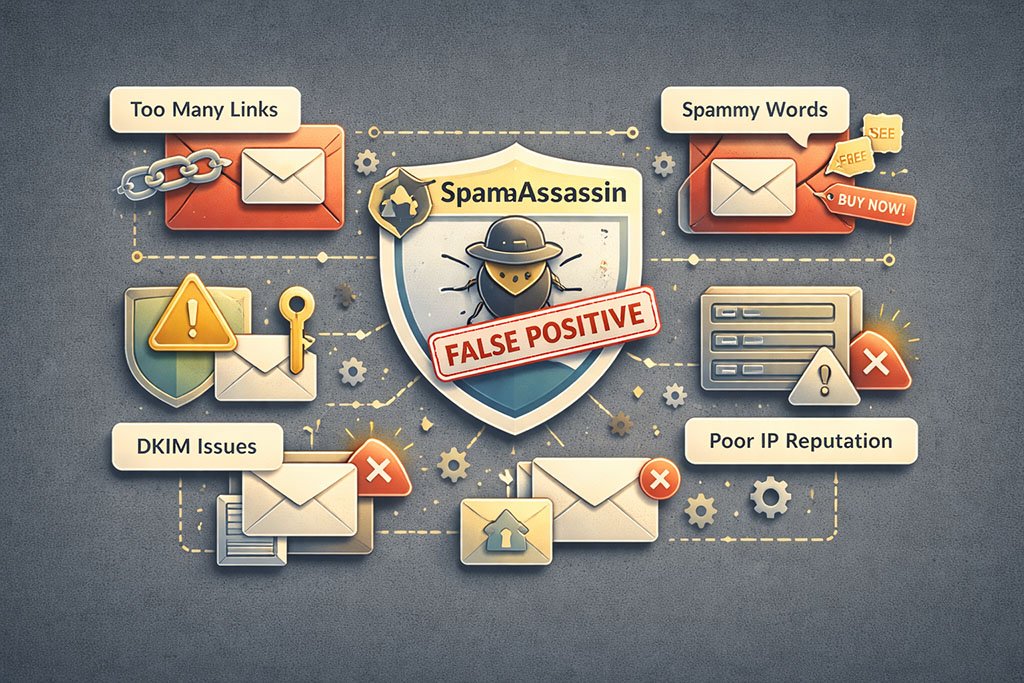
SpamAssassin is a widely used email filtering tool that employs various techniques to identify spam. However, it is not infallible, and several common causes can lead to false positives. One significant factor is the use of certain keywords or phrases that trigger spam filters.
If your email contains language often associated with spammy content—such as excessive promotional language or certain trigger words—it may be flagged incorrectly. Another common cause is the sender’s reputation. If you are using a new domain or have a history of sending emails that have been marked as spam, your messages may be more likely to be misclassified.
Additionally, technical issues such as improper email authentication (like SPF or DKIM) can also contribute to false positives. By understanding these causes, you can take proactive steps to minimize the risk of your emails being incorrectly filtered.
Best Practices for Addressing False Positives in SpamAssassin
To effectively address false positives in SpamAssassin, you should adopt several best practices that can enhance your email deliverability. First and foremost, it’s crucial to maintain a clean mailing list. Regularly removing inactive subscribers and ensuring that your recipients have opted in to receive your emails can significantly improve your sender reputation and reduce the likelihood of being flagged as spam.
Additionally, crafting your emails with care is essential. Avoid using overly promotional language and focus on providing value to your recipients. Personalizing your messages and segmenting your audience can also help ensure that your content resonates with your readers, making it less likely for them to mark your emails as spam.
By implementing these best practices, you can create a more favorable environment for your emails to land in inboxes rather than spam folders.
Utilizing Whitelists and Blacklists to Minimize False Positives
| SpamAssassin Score Threshold | Score above which an email is marked as spam | 5.0 | Adjusting threshold can reduce false positives |
| False Positive Rate | Percentage of legitimate emails incorrectly marked as spam | 0.5% – 2% | Lower is better; aim to minimize |
| False Negative Rate | Percentage of spam emails not detected | 5% – 10% | Balancing false positives and negatives is key |
| Bayes Auto-Learning Accuracy | Effectiveness of Bayesian filtering in learning spam patterns | 85% – 95% | Improves over time with training |
| Whitelist Entries | Number of trusted senders added to whitelist | Varies | Helps reduce false positives for known contacts |
| Custom Rule Count | Number of user-defined SpamAssassin rules | 0 – 50 | Custom rules can target specific false positives |
| Header Analysis Depth | Number of email headers analyzed for spam indicators | 10 – 20 | More headers analyzed can improve accuracy |
| Time to Update Rules | Frequency of updating SpamAssassin rules | Daily to Weekly | Regular updates reduce false positives |
One effective strategy for minimizing false positives is the use of whitelists and blacklists. A whitelist is a list of approved senders whose emails are always allowed through the filter, while a blacklist contains addresses or domains that are blocked from reaching your inbox. By actively managing these lists, you can exert greater control over what emails you receive and reduce the chances of legitimate messages being misclassified.
To create an effective whitelist, consider adding trusted contacts and frequently communicated senders. This proactive approach ensures that important emails from known sources are never lost in the spam folder. Conversely, maintaining an updated blacklist helps you filter out unwanted communications from known spammers or unreliable sources.
By utilizing these tools effectively, you can significantly enhance your email experience and minimize the impact of false positives.
Adjusting SpamAssassin Thresholds to Reduce False Positives
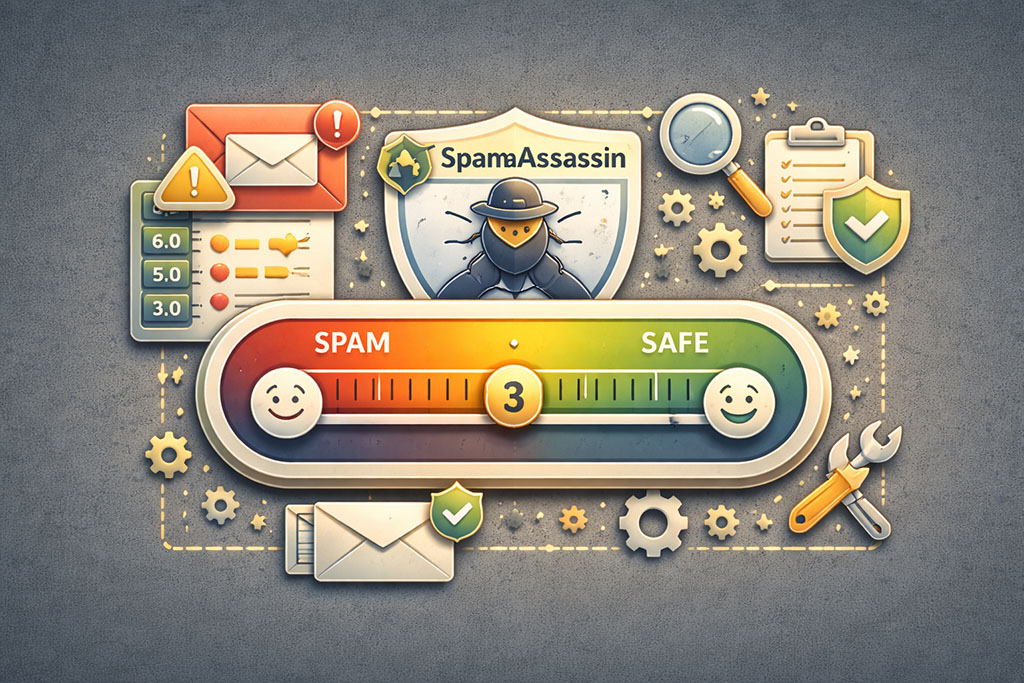
Another method for addressing false positives in SpamAssassin is adjusting the filtering thresholds. SpamAssassin assigns scores to various characteristics of an email, and if the total score exceeds a certain threshold, the email is classified as spam. By fine-tuning these thresholds based on your specific needs and experiences, you can create a more tailored filtering system that better aligns with your expectations.
For instance, if you notice that many legitimate emails are being flagged as spam, consider lowering the threshold score required for an email to be classified as spam. This adjustment allows more emails to pass through the filter without being misclassified. However, it’s essential to strike a balance; lowering the threshold too much may result in an influx of actual spam messages.
Regularly reviewing and adjusting these settings based on your email interactions can help maintain an optimal filtering environment.
Using Bayesian Filtering to Improve Accuracy and Reduce False Positives
Bayesian filtering is a sophisticated technique that leverages statistical analysis to improve email filtering accuracy. This method involves analyzing the content of both spam and legitimate emails to determine the likelihood that a new message falls into one category or another. By employing Bayesian filtering within SpamAssassin, you can enhance its ability to distinguish between genuine messages and spam.
To implement Bayesian filtering effectively, it’s important to train the filter with a diverse set of both spam and non-spam emails. The more data it has to analyze, the better it becomes at making accurate predictions about incoming messages. Over time, this method can significantly reduce false positives by allowing SpamAssassin to learn from past classifications and adapt its filtering criteria accordingly.
Leveraging Custom Rules to Address Specific False Positive Issues
Creating custom rules within SpamAssassin can be an effective way to address specific false positive issues that may arise in your email communications. These rules allow you to define particular criteria that should be considered when filtering emails, enabling you to tailor the system to better suit your needs.
For example, if you frequently receive newsletters from a specific source that are being incorrectly flagged as spam, you can create a custom rule that instructs SpamAssassin to treat emails from that sender differently.
This level of customization empowers you to take control over your inbox and ensures that important communications are not lost due to generic filtering criteria.
Monitoring and Analyzing False Positives to Identify Patterns and Trends
To effectively manage false positives in your email filtering system, it’s essential to monitor and analyze them regularly. By keeping track of which emails are being misclassified as spam, you can identify patterns and trends that may indicate underlying issues with your filtering settings or sender reputation. For instance, if you notice a spike in false positives from a particular domain or type of content, it may signal a need for further investigation or adjustment in your filtering approach.
By maintaining detailed records of false positives and analyzing them over time, you can make informed decisions about how to refine your email filtering strategies and improve overall deliverability.
Collaborating with Email Service Providers to Address False Positives
Collaboration with your email service provider (ESP) is another critical step in addressing false positives effectively. Many ESPs offer support services that can help you troubleshoot issues related to email deliverability and filtering accuracy. By reaching out for assistance, you can gain valuable insights into how their systems work and what steps you can take to improve your email performance.
Additionally, some ESPs provide tools and resources designed specifically for managing false positives. These may include analytics dashboards that allow you to track deliverability metrics or features that enable you to adjust filtering settings directly within their platform. By leveraging these resources and maintaining open communication with your ESP, you can enhance your ability to manage false positives effectively.
The Importance of Regularly Reviewing and Updating SpamAssassin Configurations to Minimize False Positives
Finally, one of the most crucial aspects of minimizing false positives in SpamAssassin is the regular review and updating of its configurations. As email trends evolve and new types of spam emerge, it’s essential to ensure that your filtering settings remain relevant and effective. Regularly revisiting your configurations allows you to adapt to changing circumstances and maintain optimal performance.
Consider scheduling periodic reviews of your SpamAssassin settings—perhaps quarterly or biannually—to assess their effectiveness in light of recent experiences with false positives. During these reviews, take note of any patterns you’ve identified and adjust your configurations accordingly. By committing to this ongoing process of evaluation and adjustment, you can significantly reduce the occurrence of false positives and enhance your overall email experience.
In conclusion, understanding and addressing false positives in email filtering is vital for maintaining effective communication in today’s digital landscape. By implementing best practices, utilizing whitelists and blacklists, adjusting thresholds, employing Bayesian filtering techniques, leveraging custom rules, monitoring trends, collaborating with ESPs, and regularly reviewing configurations, you can significantly reduce the impact of false positives on your email deliverability. Taking these proactive steps will not only enhance your ability to receive important messages but also improve overall communication efficiency in both personal and professional contexts.
When dealing with email deliverability, understanding the psychology behind email marketing can significantly enhance your approach. For insights on improving your sales experience through effective email strategies, you might find the article on the psychology of email marketing particularly useful. This resource complements the discussion on resolving false positives when testing emails against SpamAssassin by providing valuable hacks that can help ensure your emails reach their intended audience.
FAQs
What is SpamAssassin and how does it work?
SpamAssassin is an open-source email filtering system designed to identify and block spam messages. It uses a variety of heuristic and statistical tests on email headers and content to assign a spam score. Emails with scores above a certain threshold are marked as spam.
What causes false positives in SpamAssassin?
False positives occur when legitimate emails are incorrectly flagged as spam. This can happen due to overly aggressive scoring rules, certain keywords or phrases in the email content, misconfigured filters, or issues with email authentication like SPF, DKIM, or DMARC failures.
How can I identify if an email was falsely marked as spam by SpamAssassin?
You can check the email headers for SpamAssassin’s spam score and the specific rules that triggered the spam classification. Reviewing these details helps determine why the email was flagged and whether it was a false positive.
What steps can I take to reduce false positives in SpamAssassin?
To reduce false positives, you can adjust the spam score threshold, whitelist trusted senders or domains, customize or disable specific SpamAssassin rules that cause false positives, and ensure proper email authentication is in place.
How do I whitelist an email address or domain in SpamAssassin?
Whitelisting can be done by adding the sender’s email address or domain to the SpamAssassin whitelist configuration file or using the “whitelist_from” directive in the user preferences file. This tells SpamAssassin to lower or ignore the spam score for those senders.
Can I customize SpamAssassin rules to better fit my email environment?
Yes, SpamAssassin allows customization of its rules. You can create local rules, adjust the scores assigned to existing rules, or disable rules that frequently cause false positives. This helps tailor spam filtering to your specific needs.
Is it important to keep SpamAssassin updated?
Yes, regularly updating SpamAssassin ensures you have the latest spam detection rules and improvements, which can help reduce false positives and improve overall spam filtering accuracy.
What role does email authentication play in preventing false positives?
Proper email authentication using SPF, DKIM, and DMARC helps verify the legitimacy of the sender. Emails that fail these checks are more likely to be marked as spam, so ensuring correct authentication reduces the chance of false positives.
Can false positives affect email deliverability?
Yes, if legitimate emails are consistently marked as spam, it can impact communication and trust. Resolving false positives helps ensure important emails reach the inbox and improves overall email deliverability.
Where can I find more help or documentation on resolving SpamAssassin false positives?
The official SpamAssassin website and user mailing lists provide extensive documentation and community support. Additionally, many email service providers and forums offer guides and troubleshooting tips for managing false positives.